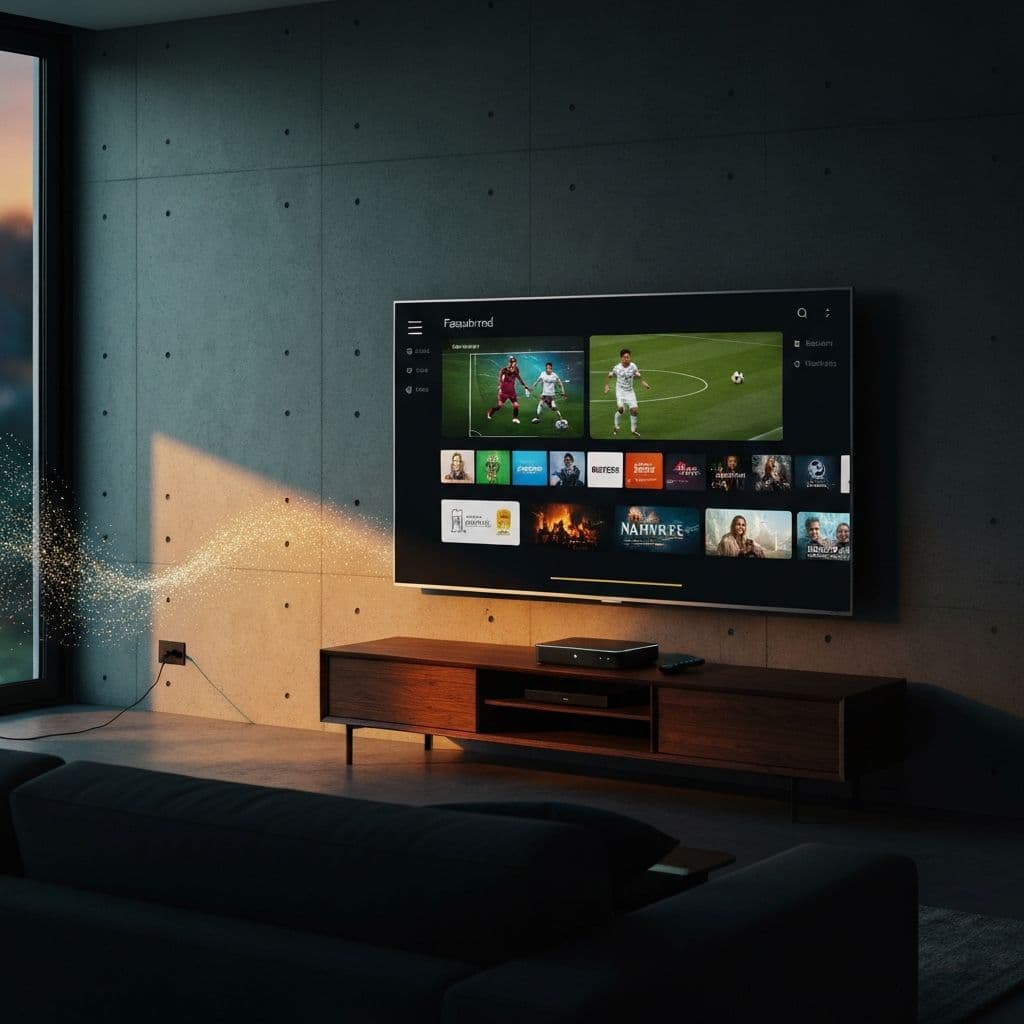
What is IPTV?
IPTV stands for Internet Protocol Television — a modern approach to broadcasting that sends television content directly over the internet rather than through the aging infrastructure of cable lines or satellite dishes. At its core, IPTV refers to any system that transmits television services across a packet-switched network using the standard internet protocol suite.
Put simply, IPTV is just TV that comes through your broadband connection. Instead of plugging in a coaxial cable or pointing a dish at the sky, your internet router becomes the gateway to everything you want to watch. This fundamental reimagining of how content reaches your screen has completely upended the traditional entertainment industry, handing viewers a level of control over their viewing habits that was simply unimaginable a decade ago.
The appetite for IPTV has grown at a remarkable pace. By 2026, a substantial and growing share of global households have ditched their cable subscriptions entirely in favor of leaner, smarter IPTV alternatives that deliver far more content for a fraction of the monthly cost.
How Does the Technology Work?
To genuinely understand how IPTV functions, it helps to trace the journey content takes from a provider's infrastructure all the way to your screen. Several distinct components work together in the background to make this happen smoothly and reliably.
At the heart of every IPTV system are powerful servers operated by the provider. The moment you tap on a channel or select a video, your device sends a request across the internet to those servers. The server locates the requested content and immediately starts transmitting it back to your device, broken up into tiny, manageable data packets. Your IPTV application catches those packets, reassembles them in the correct order, and renders them as a seamless video stream on your display — all happening in real time.
Crucially, IPTV leverages unicast or multicast transmission protocols. Traditional broadcast television pushes every single channel out to every subscriber simultaneously, regardless of whether anyone is actually watching. IPTV is smarter — it only transmits the specific channel or content you actually request, making the whole system far more efficient and opening the door for features that legacy TV systems could never support.
Key Technical Components
- Content Delivery Network (CDN): A geographically distributed network of servers that stores and delivers content from whichever location is physically closest to you, dramatically improving load times and reducing buffering.
- Middleware: The intelligent software layer that manages the user interface, handles authentication, and orchestrates the entire content delivery pipeline.
- Video on Demand (VOD) Servers: Dedicated infrastructure that stores the full back-catalog of movies and television series available for on-demand playback.
- IPTV Set-Top Box or App: The client-side software or hardware that decodes incoming data packets and renders them as watchable video on your television or device.
Types of Streaming Services (Live TV / VOD / Time-shifted)
A well-rounded IPTV service will typically offer three distinct modes of content delivery, each designed to satisfy a different type of viewer and viewing occasion.
1. Live Television
This is the real-time broadcast of television channels delivered entirely over the internet. You tune in and watch the news, sporting events, and live programming as they unfold — second by second — exactly as you would with traditional cable. Premium IPTV platforms routinely offer tens of thousands of live channels pulled from broadcasters across every continent, covering everything from local affiliates to international news networks and exclusive sports packages.
2. Video on Demand (VOD)
VOD gives you on-demand access to a curated library of films, television series, documentaries, and specialty content that you can launch at any time of day or night. Picture the convenience of Netflix, but frequently backed by a considerably larger catalog that spans new theatrical releases, cult classics, and foreign language titles.
3. Time-Shifted Television
Often marketed as catch-up TV or start-over functionality, time-shifted viewing lets you access broadcasts that have already aired. Couldn't catch the championship game last night? Time-shifted TV lets you jump back to the kick-off and watch the entire event from the very beginning, even if the final whistle blew several hours ago.
Are These Services Legal?
The legality question is one we field constantly, and the honest answer is that it depends on the specific service — not the technology itself. IPTV as a delivery mechanism is entirely legal and is, in fact, the backbone of virtually every major streaming platform operating today.
Platforms you almost certainly already pay for — Netflix, Hulu, Disney+, Amazon Prime Video, and even your cable provider's own streaming app — are all IPTV services in the technical sense. Each of these companies has negotiated comprehensive licensing agreements that give them the legal right to distribute the content on their platforms.
The legal complications arise specifically with unlicensed providers that broadcast copyrighted content without holding the proper rights. For end users, this can occupy an uncertain legal space depending on local jurisdiction. For the operators of those unauthorized streams, the legal exposure is significant and well-documented.
How to Identify Legal IPTV Services
- The company maintains a professional public-facing presence with verifiable contact details.
- Payments are processed through reputable, mainstream methods such as credit cards or PayPal.
- The service publishes clear, accessible terms of service and a privacy policy.
- Customer support is genuinely reachable and responsive.
- Pricing is clearly stated upfront with no hidden charges or surprise fees.
Internet TV vs Traditional Streaming (Netflix, YouTube TV)
When stacking IPTV against OTT (Over-The-Top) platforms like Netflix, the differences are meaningful and worth understanding before you decide which direction to go.
| Feature | IPTV | Netflix / OTT | | --- | --- | --- | | Live Channels | 20,000+ channels | Limited or none | | Live Sports | Extensive coverage | Limited | | VOD Library | 100,000+ titles | 5,000 – 15,000 titles | | Monthly Cost | $10 – $15 / month | $15 – $25 / month each | | International Content | Global channels | Region-locked |
The decisive advantage IPTV holds over platforms like Netflix is live television — particularly live sport, rolling news, and real-time event coverage. Netflix is exceptional at what it does: premium original productions and a polished on-demand experience. But it fundamentally cannot replicate the live broadcast experience that a significant proportion of viewers still consider non-negotiable.
Do You Need a Special Device?
This is where IPTV genuinely shines in terms of accessibility. In the vast majority of cases, you already own at least one device that is perfectly capable of running an IPTV service right now. The most commonly used hardware includes:
- Smart TVs — Samsung, LG, Sony, and virtually every other major smart TV brand support IPTV applications natively.
- Streaming Devices — Amazon Firestick, Roku, Apple TV, and Chromecast with Google TV all work seamlessly.
- Mobile Devices — Both iOS and Android smartphones and tablets handle IPTV apps without any issues.
- Computers — Windows, Mac, and Linux machines can access IPTV through dedicated desktop apps or directly via a web browser.
- Android TV Boxes — The NVIDIA Shield, Xiaomi Mi Box, and countless other Android-powered boxes are ideal for IPTV.
- Gaming Consoles — Xbox and PlayStation consoles can access certain IPTV services through their built-in web browsers or dedicated apps.
How to Choose a Provider
The IPTV market is crowded with hundreds of competing services, which makes selecting the right one feel genuinely overwhelming. Running through these key evaluation criteria will cut through the noise quickly:
- Channel Selection — Confirm the service carries the specific channels and content categories that matter most to you — whether that's domestic sports leagues, international news, or a specific language's programming.
- Streaming Quality — The provider must reliably deliver HD, Full HD, and ideally 4K streams with minimal interruption during peak viewing hours.
- Trial Period — Any provider worth trusting will offer a short trial period upfront so you can thoroughly evaluate the service before handing over payment for a longer term.
- Customer Support — Round-the-clock support accessible via live chat, email, or WhatsApp is not a luxury — it's a basic expectation from a serious provider.
- Device Compatibility — Double-check that the service works properly across every device in your household that you intend to use for streaming.
How Much Does It Cost?
IPTV pricing spans a fairly wide range depending on the provider, the breadth of the channel lineup, and the subscription duration you choose. However, even at the higher end, quality IPTV services remain dramatically more affordable than any traditional cable or satellite package.
Typical IPTV Pricing
| Plan | Price | Notes | | --- | --- | --- | | Monthly subscription | $10 – $15 / month | Best for short-term use | | 3-month package | $25 – $40 total | Save around 20% | | 12-month package | $50 – $80 total | Best overall value |
Stack those numbers against the typical cable bill — anywhere from $100 to $200 per month before taxes and equipment fees — and the financial argument for switching becomes impossible to ignore. Over the course of a single year, most households save well over $1,000 while simultaneously gaining access to a dramatically larger content library.
Getting Started with Streaming
Convinced and ready to dive in? Here is your straightforward, five-step path from zero to streaming in just a few minutes:
- Choose a Provider — Take some time to research and shortlist providers that genuinely align with your content priorities and budget. Prioritize those offering a proper trial period before commitment.
- Subscribe and Get Credentials — Complete your signup and check your inbox for your login details — typically a username, a password, and a server URL.
- Download an IPTV Player — Head to your device's app store and install a reputable IPTV player. IPTV Smarters Pro, TiviMate, and GSE Smart IPTV are the three most trusted options across all platforms.
- Enter Your Credentials — Launch the player, navigate to the login section, and enter the server URL, username, and password provided by your service, or paste your M3U playlist URL if that's what your provider supplied.
- Start Streaming — Your full channel lineup loads within moments. Explore the guide, flag your favorites, and settle in for your first buffer-free session.
Ready to cut the cord for good? HelixStream puts over 120,000 live channels at your fingertips — including every Premier League match, every UFC pay-per-view, and thousands of 4K HDR streams — all for a fraction of your current cable bill. Every subscription is protected by a full 7-day money-back guarantee, so you can try it completely risk-free. Explore our plans and make the switch today.
Frequently Asked Questions
Get Started with HelixStream Today
Join thousands of satisfied customers streaming 120,000+ channels in crystal-clear 4K quality.

Hicham Aït Menna
Founder & CEO of HelixStream
IPTV industry expert with years of experience in digital streaming solutions. Passionate about delivering premium entertainment worldwide.
Learn more about Hicham